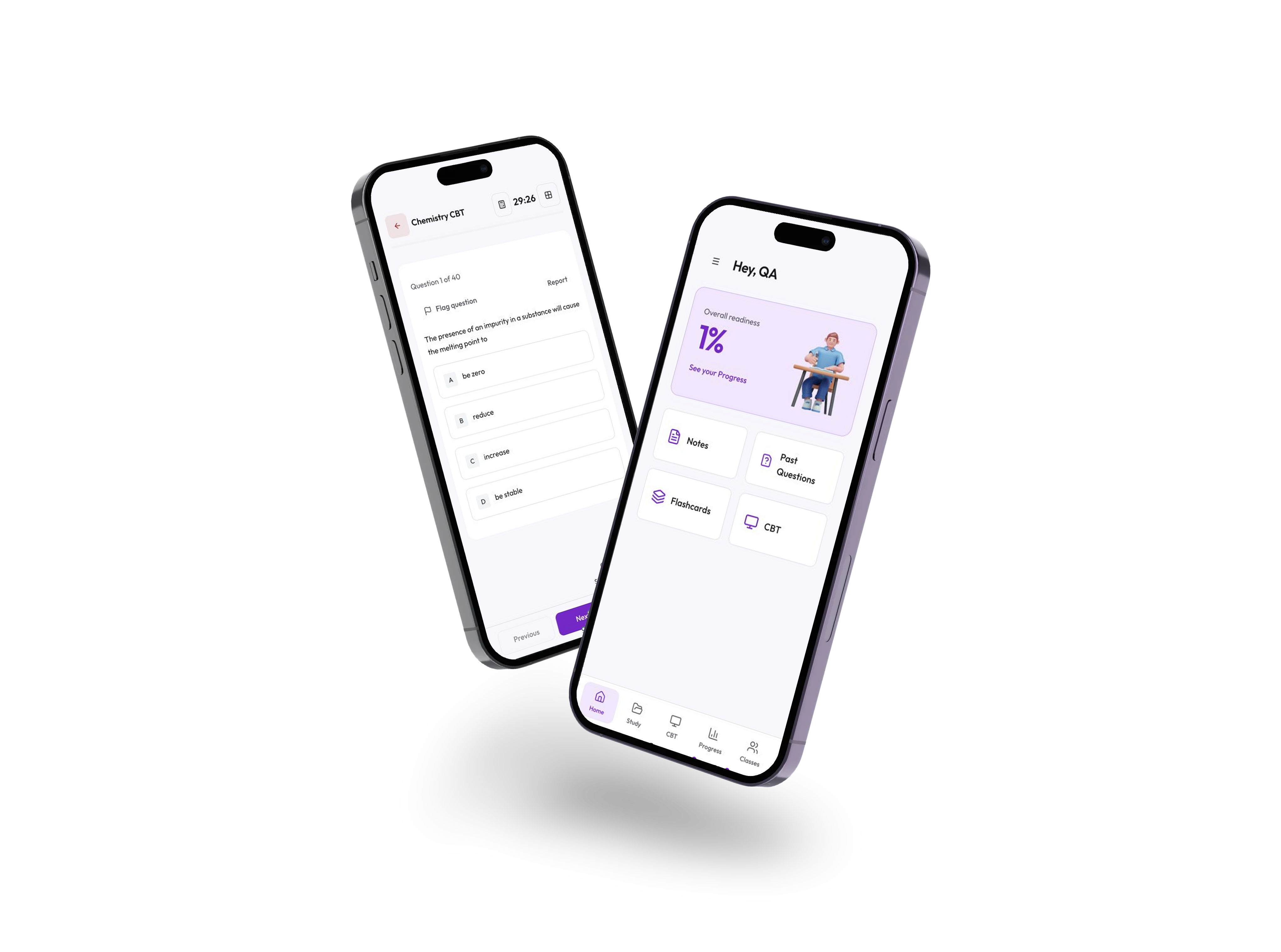
Keep practising and tracking your progress on the go.

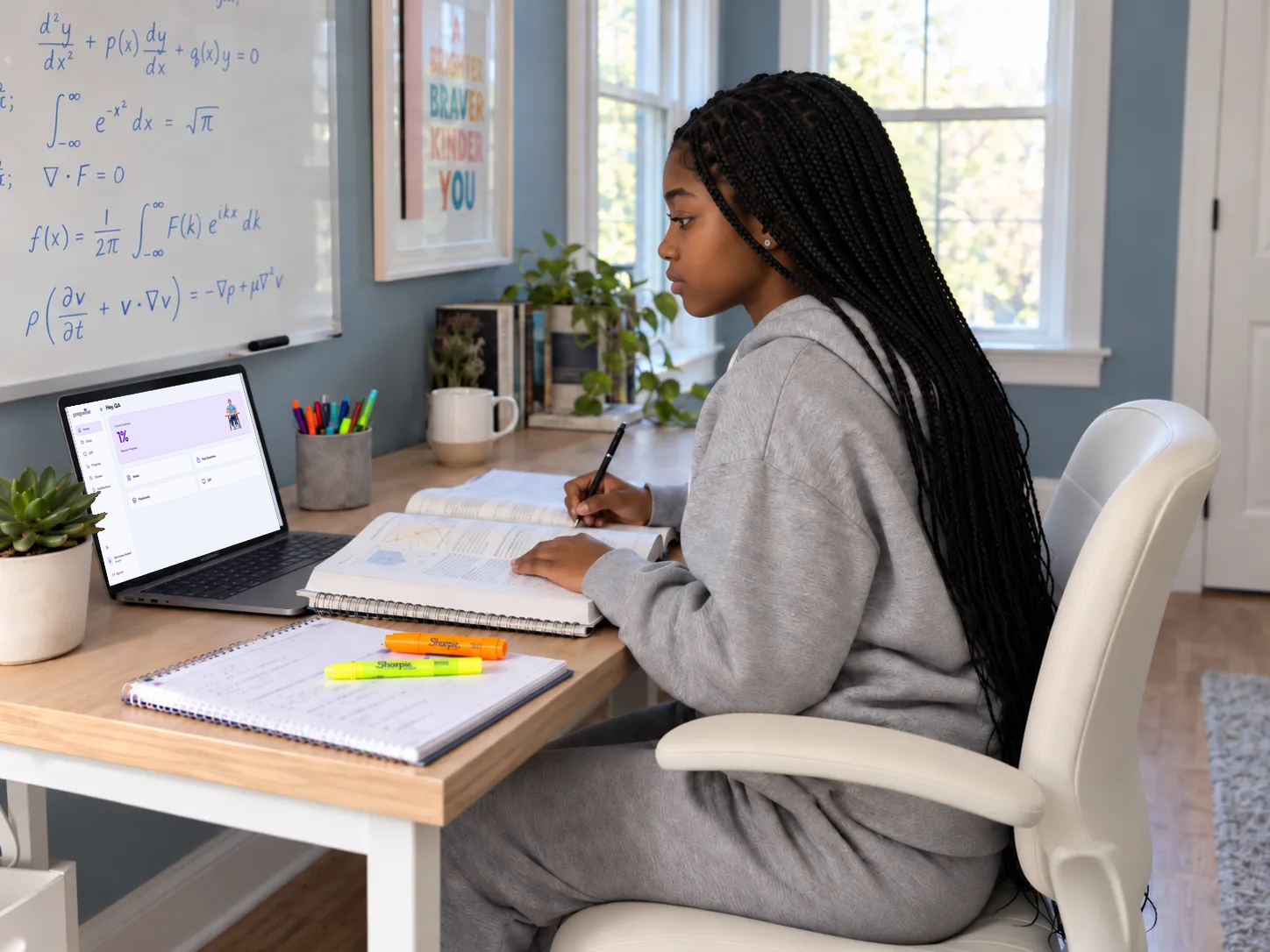
Free exam practice for JAMB, WAEC and NECO. See the subjects and topics you struggle with, track your progress, and focus your next study session.
The problem
How it works
Choose your exam and subject. Put your understanding to the test.
See the subjects and topics where you’re losing marks.
Spend more time practising the areas that need your attention.
Keep practising and see how you improve before exam day.
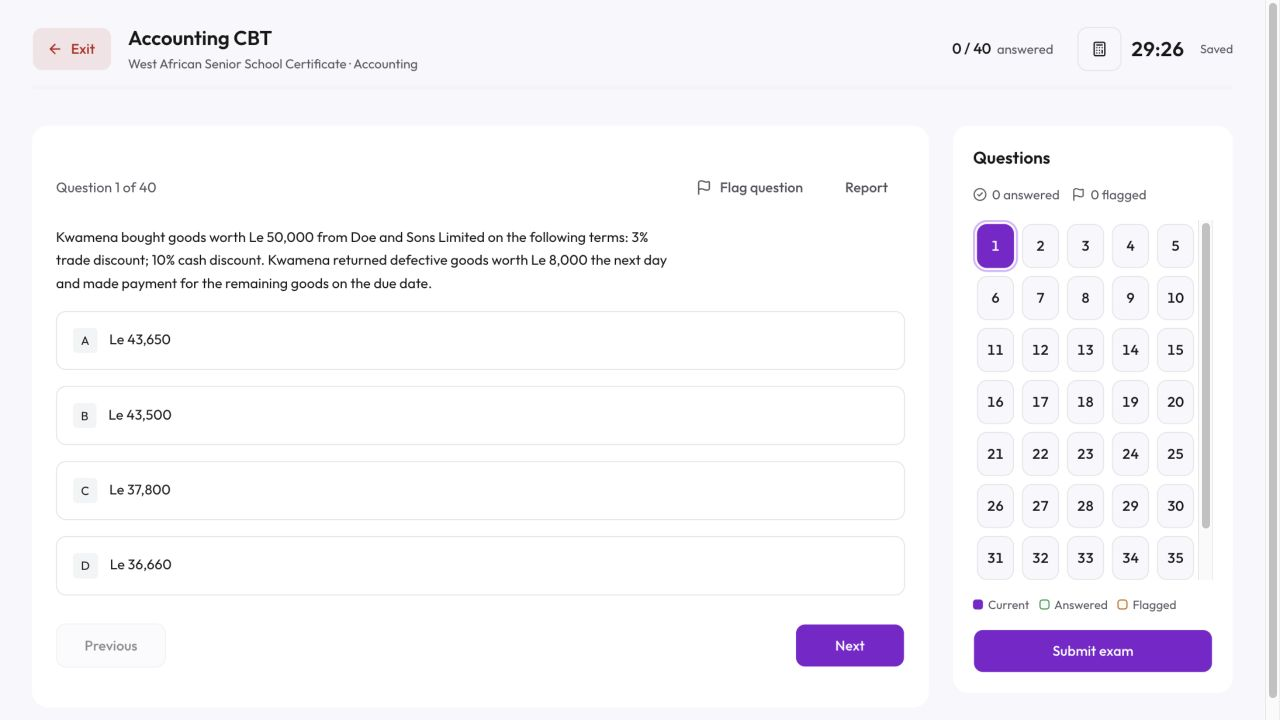
Practise
Reading matters, but so does knowing what you can actually answer, so practise exam questions and use your results to guide what you revise next.
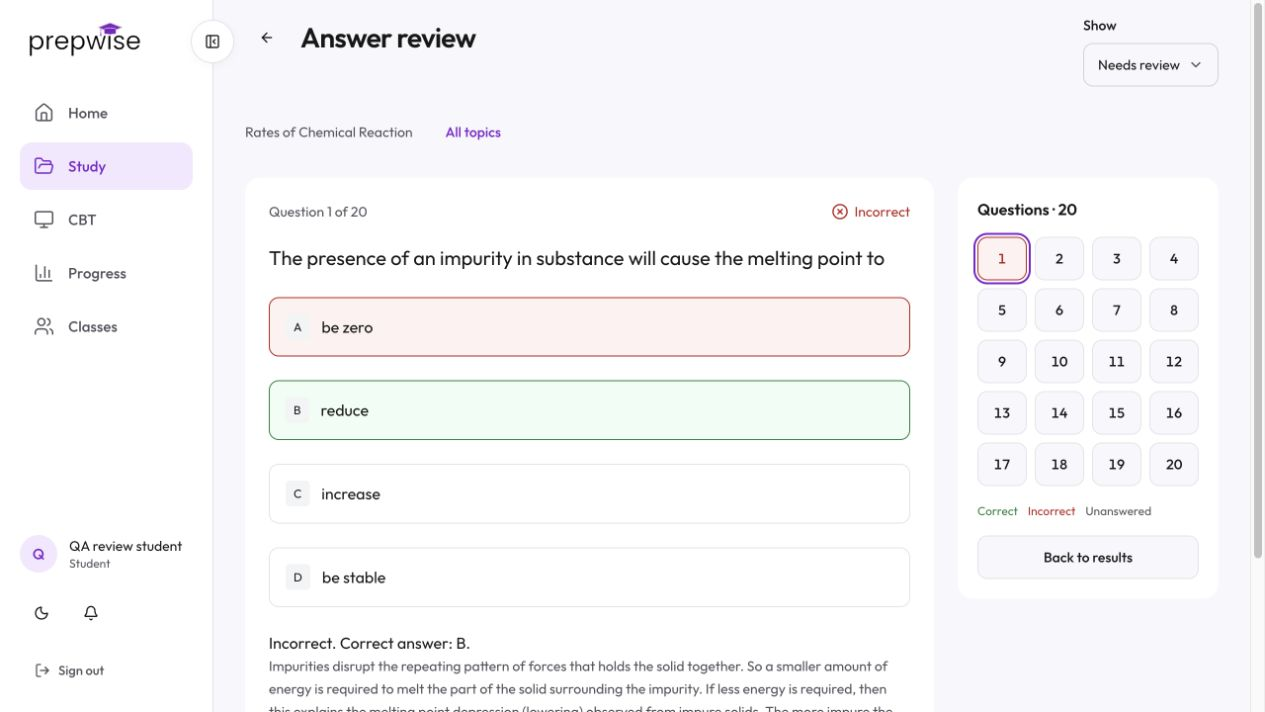
Understand
A total score only tells you how you did overall. Prepwise breaks your performance down by subject and topic, so you can see exactly where you’re losing marks and what needs more attention.
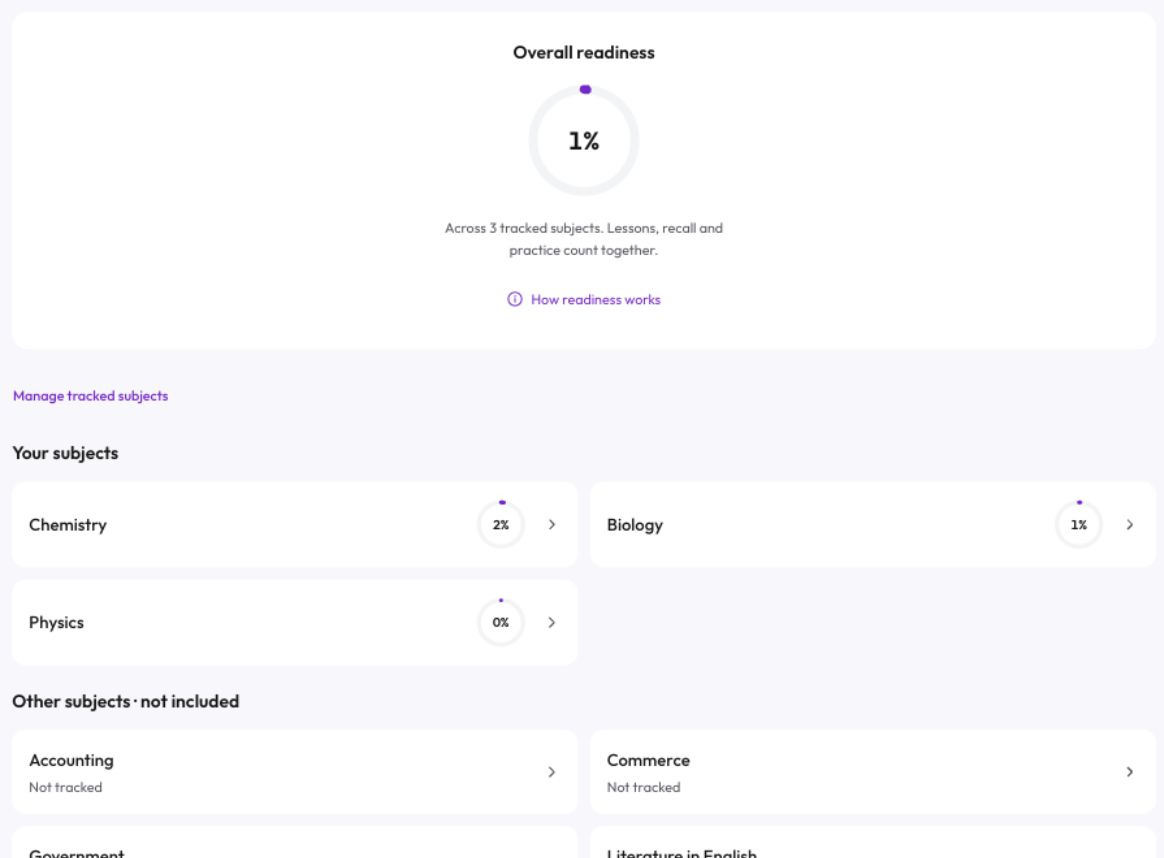
Focus
Once you know which subjects and topics need more attention, Prepwise helps you focus your practice there instead of spreading your effort evenly across everything.
Improve
Keep practising with Prepwise as your exam approaches, so you can strengthen weak areas, build confidence and know you have focused on what matters most.

Use Prepwise on web, iPhone or Android to practise for your exam, check your progress and keep your preparation moving on the device that suits you best.
Keep practising and tracking your progress on the go.
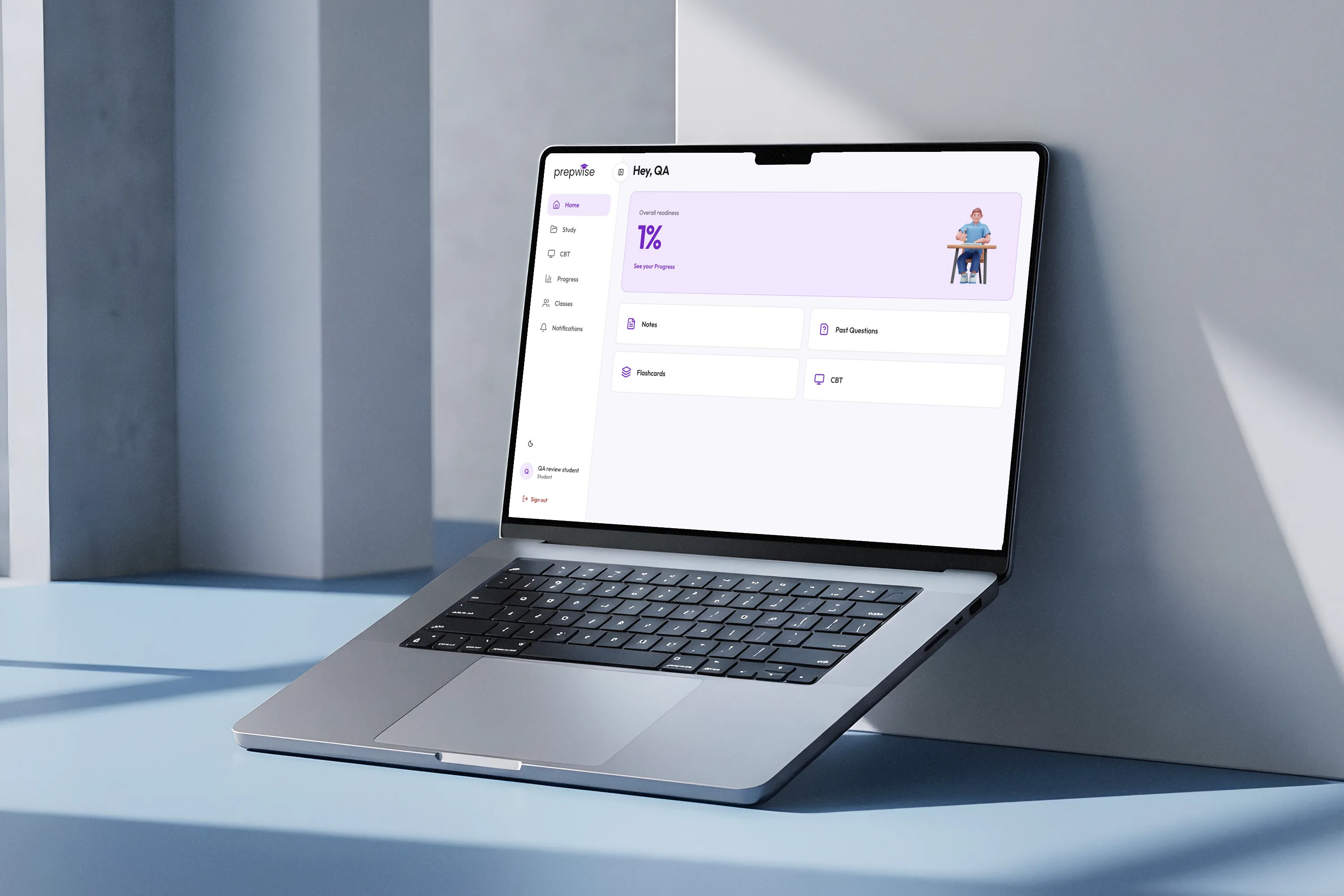
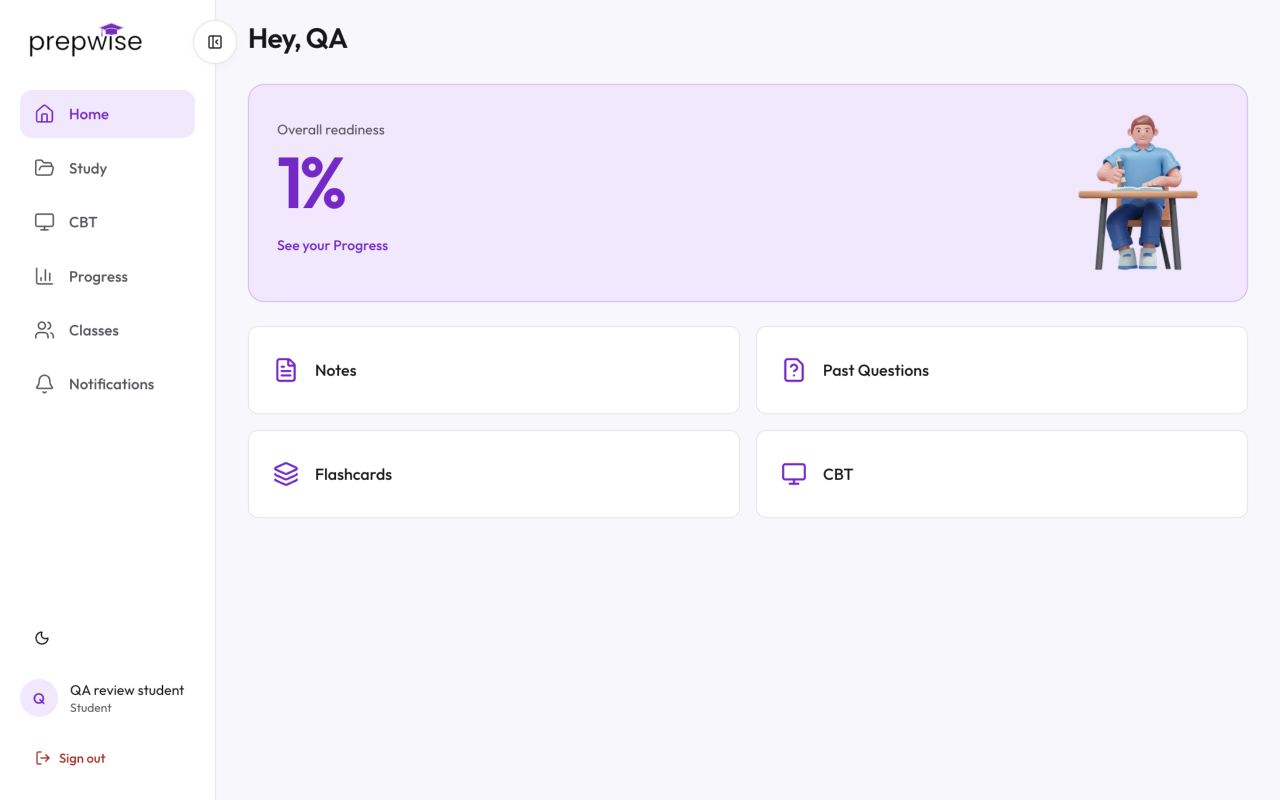
Prepare with the full Prepwise experience on a bigger screen.
For teachers
Create a class, invite your students, and set practice or assessments. See who has completed them, how students are performing, and which topics need more attention.
Get started as a teacher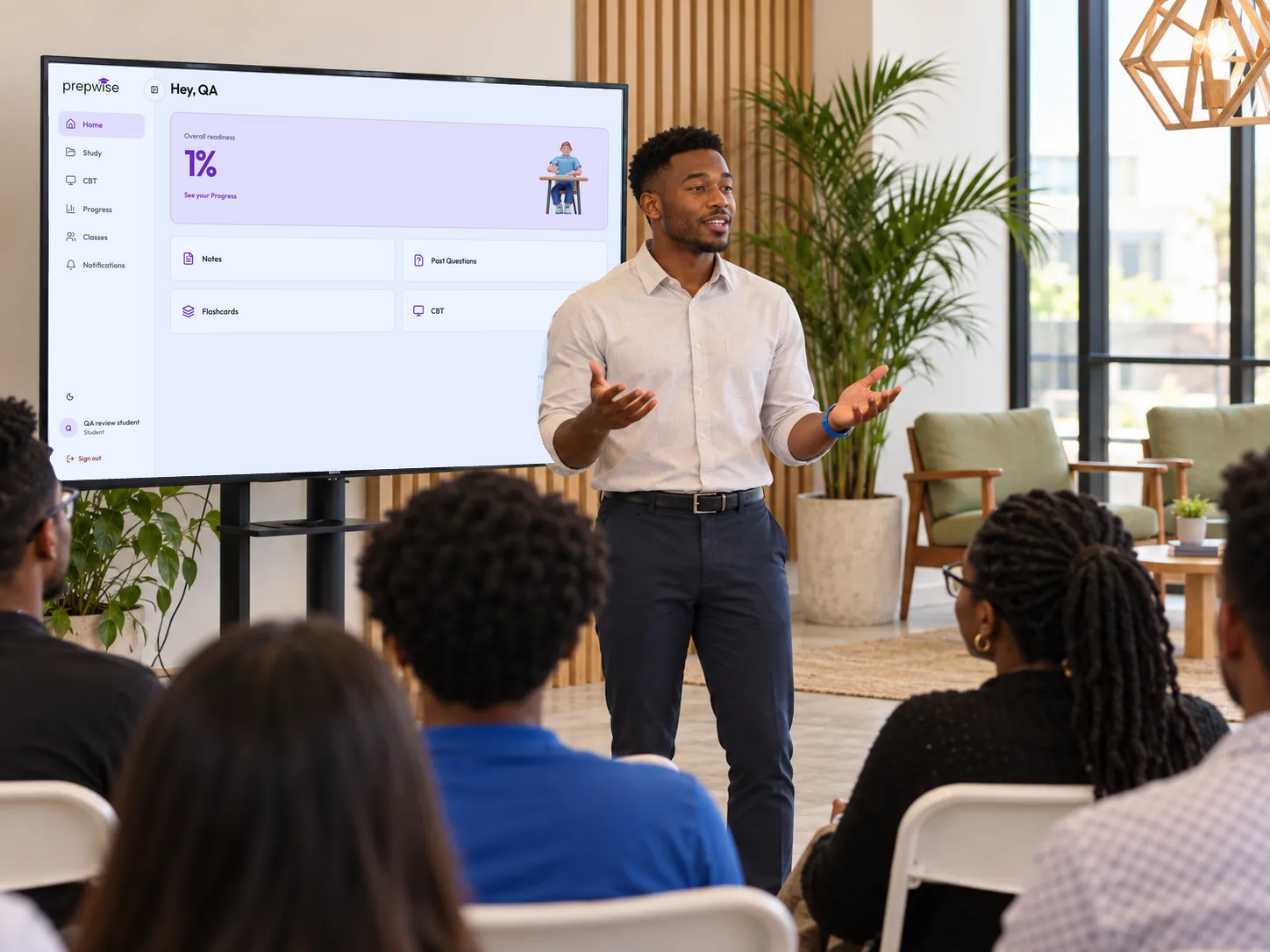
FAQs
Most past question apps only let you practice. Prepwise also helps you understand your performance by showing the subjects and topics you need to improve.
Yes. Prepwise is free to use, with no subscription or activation fee.
Prepwise helps you prepare for JAMB, WAEC and NECO.
Yes. Create a class, invite your students, set practice or assessments, and see which topics need more attention.
Use Prepwise on web, iPhone or Android to practise, check your progress and keep your preparation moving.
Start practicing with a student account, or get started as a teacher.

For students
Practise. See the gaps. Go into your next study session knowing what needs your attention.
For teachers
Set practice. Check completion. See where your students need you.