A little progress.
Every day.
Choose the subjects you want to track. Read a topic, recall what matters, and put it into practice. Your Prepwise student account brings your progress across web and mobile.
Build understanding.
Then check it.
Everything begins with a subject and a topic. Optional unpublished resources stay out of the library.
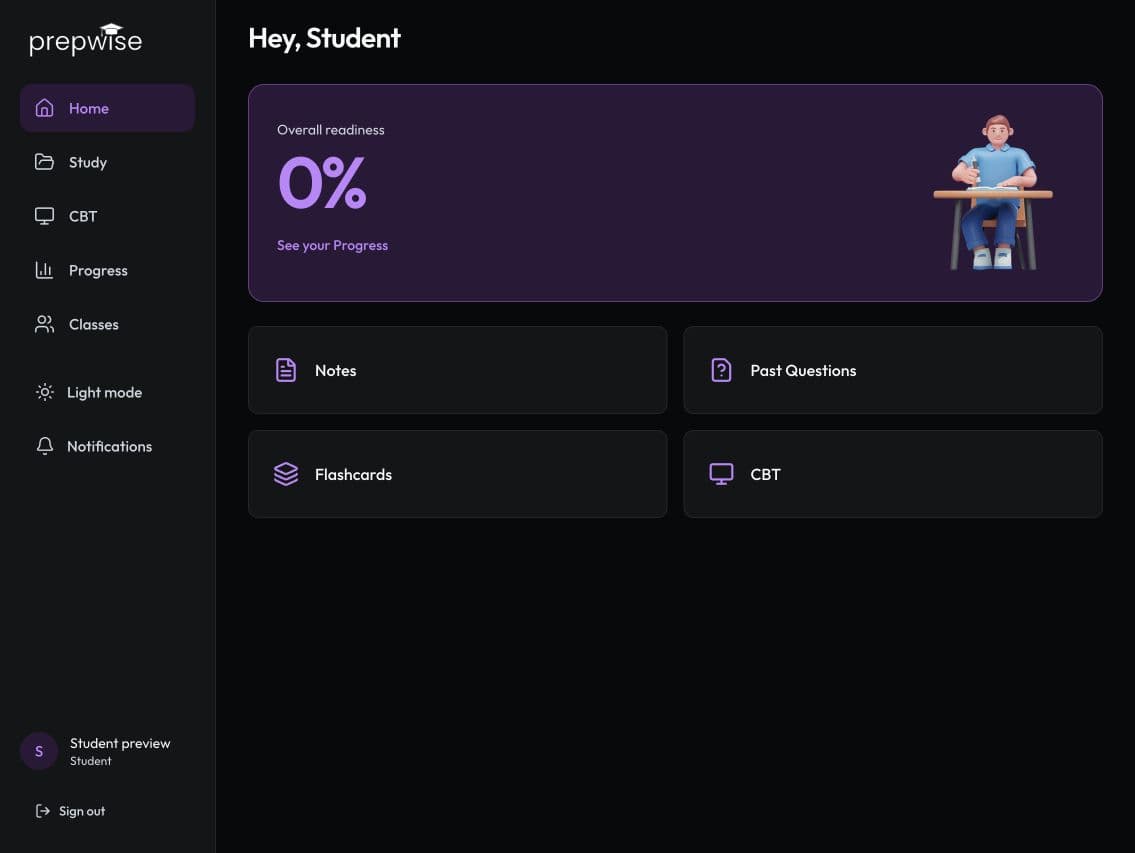
- Read continuous notes and diagrams, with your place saved.
- Recall published flashcards across one, several or all topics.
- Review exam-scoped topic questions and published objective papers.
- Try Subject CBT or JAMB CBT, then review your answers and mistakes.
- Use one readiness view for your chosen tracked subjects.
Your classwork.
Your choice to share.
Join a teacher’s subject class with a code. Preview the class, request access and wait for approval.
Keep personal study separate.
Your teacher sees your authorised assignments and classwork. Sharing personal readiness is optional, off by default, and limited to that class’s subject. You can revoke it whenever you want.
Assessment scores and explanations appear after release. Connection loss does not pause an assessment timer. Completed results remain available after you leave a class.
Read the privacy noticeSave your next step.
Web saves your answers in your browser immediately and synchronizes them when connected. Return to interrupted work from the same account.
Personal Android study works offline.
After the published core library has finished preparing, saved notes, diagrams, questions and flashcards work without internet. Classes and assignments remain web-only.
Content varies by subject and topic. Readiness is a preparation estimate, not an exam prediction.